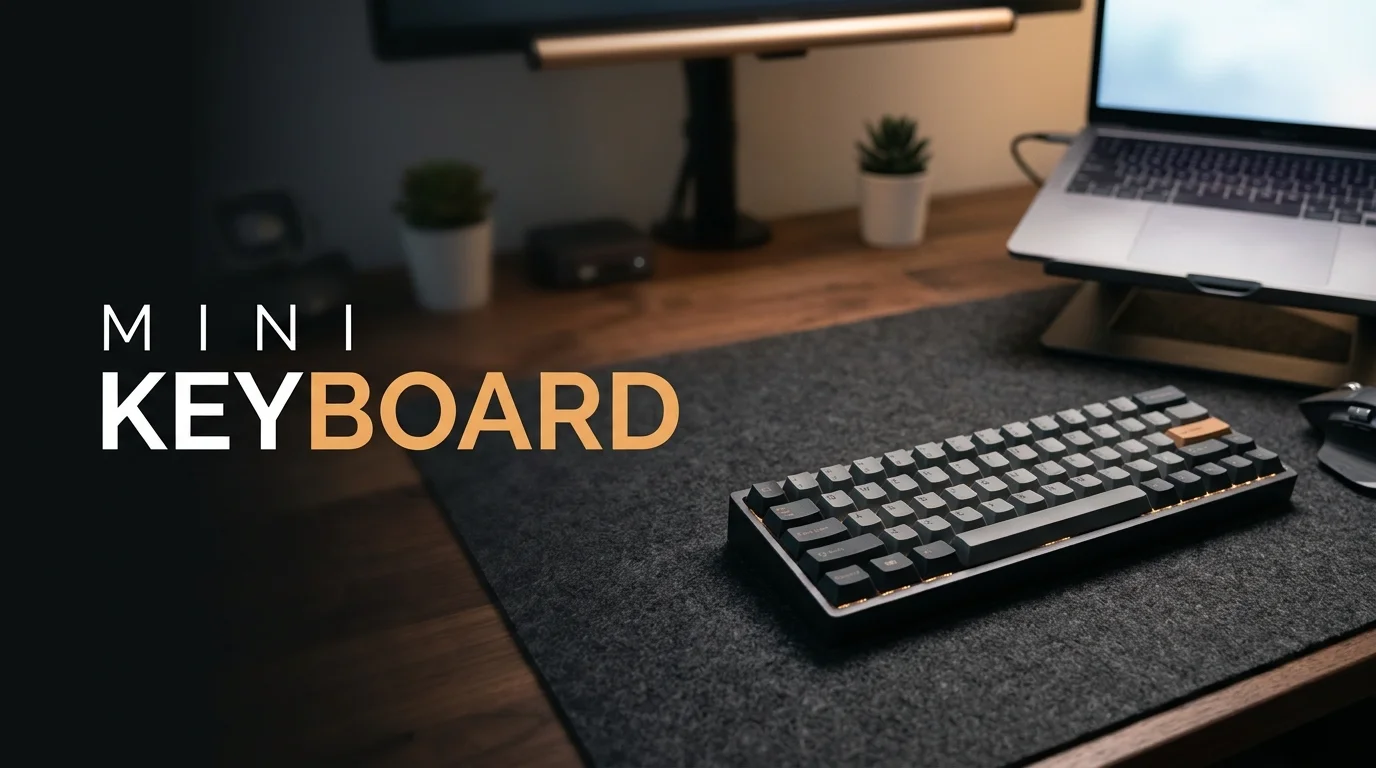
A mini keyboard frees up desk space, travels easily, and gives your mouse more room. The right model still depends on how you work or play. Smaller layouts can remove keys you use every day, so don’t let size alone decide your purchase.
Quick answer: The Logitech MX Keys Mini is the strongest everyday choice for most U.S. buyers. The Pebble Keys 2 K380s suits tighter budgets, while Razer and SteelSeries offer stronger gaming options. Travelers should consider Keys-To-Go 2, and mechanical typists have better choices from Logitech and Keychron.
Quick Comparison
| Pick | Best for | Layout/type | Connectivity | Recent U.S. price |
|---|---|---|---|---|
| Logitech MX Keys Mini | Everyday work | Compact scissor-switch | Bluetooth, wireless | $99.99 |
| Logitech Pebble Keys 2 K380s | Budget buyers | Compact scissor-switch | Bluetooth | $33.99 sale / $39.99 list |
| Logitech Keys-To-Go 2 | Travel and tablets | Ultra-portable scissor-switch | Bluetooth | $79.99 |
| Logitech MX Mechanical Mini | Mechanical typing | Compact mechanical | Bluetooth, wireless | $139.99 sale / $159.99 list |
| Razer BlackWidow V3 Mini HyperSpeed | Wireless gaming | 65% mechanical | 2.4GHz, Bluetooth, wired | $99.99 |
| SteelSeries Apex Pro Mini Gen 3 | Competitive gaming | 60% adjustable-switch | Wired | $199.99 |
| Keychron K2 Max | Work and customization | 75% mechanical | 2.4GHz, Bluetooth, wired | From about $94.99 |
Prices shown above came from recent manufacturer listings and may change. Logitech currently lists the MX Keys Mini at $99.99. Its Pebble Keys 2 K380s has recently appeared at $33.99 against a $39.99 list price.
Key Takeaways
- Choose a 75% layout when you want dedicated arrows and function keys.
- Pick 65% when you want smaller dimensions without losing dedicated arrow keys.
- A 60% board saves more room but relies heavily on function layers.
- Scissor switches work well for quiet offices and travel.
- Mechanical switches provide more feedback and customization.
- Bluetooth favors flexibility, while 2.4GHz wireless usually suits gaming better.
- Check your missing keys before comparing lighting, color, or extra software.
1. Logitech MX Keys Mini: Best for Most People
The Logitech MX Keys Mini is the safest choice for work, study, and everyday home use. Its low-profile design feels familiar if you already type on a modern laptop. Logitech also includes backlighting and programmable functions for people who want more control.
The official U.S. store currently lists it at $99.99. Logitech describes it as a compact wireless illuminated model designed for fast and precise typing. It gives you a smaller footprint without forcing a gaming-focused layout.
Pros.
- Familiar low-profile typing feel
- Backlit keys
- Compact desk footprint
- Strong multi-device potential
Cons.
- Expensive for a non-mechanical model
- No number pad
- Not designed for competitive gaming
TechRiyon readers building a complete cable-free workspace can also compare options in the wireless keyboard and mouse guide. That guide covers larger productivity setups and mouse-pairing options. It can help if compact size is only one part of your upgrade.
2. Logitech Pebble Keys 2 K380s: Best Budget Pick
The Pebble Keys 2 K380s make more sense when price and portability matter most. It uses quiet, rounded keys and keeps the body slim enough for smaller desks. Bluetooth also makes it convenient for people who switch between devices.
Logitech recently offered the graphite model for $33.99, down from $39.99. The company highlights customizable function keys and a compact portable design. That pricing makes it one of the easier low-cost choices from a major brand.
Pros.
- Affordable
- Quiet typing
- Slim and easy to carry
- Useful for several device types
Cons.
- No backlighting
- Less premium than MX models
- Not ideal for competitive gaming
Students may value its portability more than advanced switches or lighting. Pairing it with a lightweight computer can create a flexible campus setup. TechRiyon’s student laptop buying guide offers several current computer options for that use case.
3. Logitech Keys-To-Go 2: Best for Travel and Tablets

Keys-To-Go 2 targets people who carry their setup between offices, classrooms, hotels, and coffee shops. Logitech describes it as an ultra-portable model for tablets, phones, and laptops. A built-in cover also helps protect the keys during transport.
Its official U.S. price is $79.99 before temporary discounts. It supports major platforms including Windows, macOS, Android, ChromeOS, iOS, and iPadOS. Logitech also says it can connect with up to three devices.
Pros.
- Thin and light
- Protective built-in cover
- Works with several operating systems
- Good fit for tablets
Cons.
- Costs more than basic Bluetooth models
- Limited desktop-style key travel
- Not made for gaming
Tablet owners should check their device needs before buying a separate board. Some tablets already support first-party cases with integrated keys. TechRiyon’s iPad 10th Generation guide covers Apple’s compatible keyboard options and other hardware details.
4. Logitech MX Mechanical Mini: Best for Office Mechanical Typing
The MX Mechanical Mini suits typists who want mechanical feedback without a tall gaming design. Logitech offers tactile, clicky, and linear switch choices. Its low-profile construction also keeps the board easier to use at a desk.
The U.S. store recently listed it at $139.99 during a promotion, down from $159.99. It supports switching among three devices and works across several desktop operating systems. Smart backlighting is another useful feature for evening work.
Pros.
- Choice of mechanical switch styles
- Low-profile design
- Multi-device support
- Smart illumination
Cons.
- Premium price
- Mechanical switches may be louder
- No dedicated number pad
This is a better match for writers, developers, and office users than esports players. The design prioritizes daily typing and switching between devices. Buyers who mainly play games can get more specialized features elsewhere.
5. Razer BlackWidow V3 Mini HyperSpeed: Best Wireless Gaming Pick
Razer’s BlackWidow V3 Mini HyperSpeed uses a 65% layout with dedicated arrow keys. That size strikes a useful balance between mouse space and everyday navigation. It also supports Razer’s 2.4GHz HyperSpeed connection alongside Bluetooth and wired use.
Razer recently listed the standard U.S. version at $99.99 during a large discount. Buyers can choose Green tactile-clicky or Yellow smooth switches on supported versions. Availability may vary because some configurations have moved in and out of stock.
Pros.
- 65% layout keeps arrow keys
- Multiple connection methods
- Mechanical switches
- Gaming-focused wireless connection
Cons.
- Sale pricing may change
- Some configurations have limited stock
- RGB can increase power use
The 65% format is easier to adapt to than a true 60% design. You keep arrows while still removing the number pad and much of the navigation cluster. That makes it practical for players who also use the same computer for normal tasks.
6. SteelSeries Apex Pro Mini Gen 3: Best for Competitive Gaming
The Apex Pro Mini Gen 3 targets players who prioritize response settings over wireless portability. SteelSeries lists the line as a 60% gaming option with adjustable actuation technology. The current U.S. listed price is $199.99.
A 60% layout creates maximum mouse room, which can help lower-sensitivity players. The trade-off is fewer dedicated keys for shortcuts, navigation, and productivity work. You should expect to use function layers more often.
Pros.
- Very small gaming footprint
- Adjustable switch behavior
- Strong choice for competitive play
- Leaves more mouse space
Cons.
- High price
- Steeper learning curve
- Missing dedicated navigation keys
Buy this type of board for its gaming features rather than general portability. Office users can spend less and keep more dedicated keys. Competitive players are more likely to benefit from its specialized controls.
7. Keychron K2 Max: Best 75% Mechanical Choice
The Keychron K2 Max keeps a 75% layout, so it keeps arrow keys and a function row. That makes it larger than a 60% model but easier for daily productivity. It supports Bluetooth, 2.4GHz wireless, and wired USB.
Keychron listings start around $94.99 and go higher, depending on frame and switch choices. Certain versions support hot-swappable switches and customization through Keychron software. Availability varies between specific configurations.
Pros.
- Useful 75% layout
- Three connection methods
- Mechanical switches
- Good customization options
Cons.
- Larger than 60% and 65% boards
- Price changes by configuration
- Some versions can be backordered
Choose the K2 Max when productivity matters as much as saving desk space. Its dedicated function row reduces reliance on shortcuts. That difference can matter during coding, spreadsheets, editing, or frequent keyboard-command use.
How to Choose a Mini Keyboard Without Regretting the Smaller Layout
Start by deciding which keys you won’t sacrifice. A 75% board keeps most essential navigation controls, while a 65% model removes more. Moving to 60% usually places function and navigation commands behind shortcuts.
Next, match the switch type to your environment. Scissor switches are thin and usually quiet, which makes them suitable for shared offices. Mechanical designs offer more distinct feedback but can be noisier.
Connection type also deserves attention. Bluetooth is useful for tablets and multi-device work, while 2.4GHz wireless can provide a gaming-focused connection. Wired USB remains simple when you don’t need battery management.
Finally, check software support and key remapping before buying. Small layouts depend more heavily on shortcuts because physical keys disappear. Good remapping tools can make a compact board much easier to live with.
60% vs. 65% vs. 75%: Which Size Should You Buy?
A 60% layout removes the number pad, function row, and most navigation keys. It offers the smallest mainstream gaming footprint. Choose it when mouse room matters more than dedicated shortcuts.
A 65% layout adds dedicated arrow keys and usually several navigation controls. It stays compact while reducing the adjustment required for everyday work. This size often strikes the best compromise for mixed gaming and productivity.
A 75% layout restores the function row and packs keys tightly together. It uses more desk width than 60% or 65% designs. In return, it behaves much more like a traditional board.
Mechanical or Scissor Switches?
Mechanical switches use individual switch mechanisms under each key. They can offer tactile, linear, or clicky behavior depending on the model. Enthusiasts also value designs that allow switch replacement or deeper customization.
Scissor-switch boards use a lower-profile mechanism similar to many laptops. They are generally thinner and easier to carry. Quiet operation also makes them practical for classrooms and shared workspaces.
Neither technology wins for every buyer. Gaming enthusiasts may favor mechanical feedback and configuration options. Travelers may care more about weight, thickness, and quiet typing.
Our Verdict
We recommend the Logitech MX Keys Mini for most people because it balances size with familiar typing. Budget buyers should consider the Pebble Keys 2 K380s instead. Mechanical users have stronger options from Logitech, Razer, SteelSeries, and Keychron depending on their priorities.
Choose Razer if you want a wireless 65% gaming setup. SteelSeries makes more sense when competitive customization matters more than price. Keychron is the better fit when you want mechanical switches without sacrificing the function row.
Frequently Asked Questions
Is a mini keyboard good for everyday work?
Yes, if the layout keeps the keys your workflow needs. A 75% model is usually easier for spreadsheets, coding, and office shortcuts. Smaller 60% designs require more function-layer combinations.
Is 60% or 65% better for gaming?
Both layouts create more room for mouse movement. A 65% board keeps dedicated arrows, so it works better for mixed daily use. A 60% model suits players who prioritize maximum desk space.
Can a compact wireless board work with a tablet?
Many Bluetooth models support tablets, phones, laptops, and desktop computers. Compatibility still varies by operating system and shortcut layout. Check the manufacturer’s supported-device list before buying.
Are smaller keyboards better for ergonomics?
A narrower board can reduce how far your mouse sits from your typing position. That may help keep your mouse arm closer to your body. Comfort still depends on desk height, wrist position, and your individual setup.
What should I spend on a compact board?
Basic Bluetooth models can cost under $50, while premium productivity designs often approach $100. Mechanical gaming products commonly cost more because they add specialized switches and software. Buy features you will use rather than paying only for a smaller size.
Find the Right Compact Setup
Before buying your mini keyboard, identify the keys, connection method, and switch type you need most. Those decisions matter more than RGB lighting or the smallest possible dimensions. Browse TechRiyon’s Gadgets and Apps coverage for more hardware comparisons and buying advice.