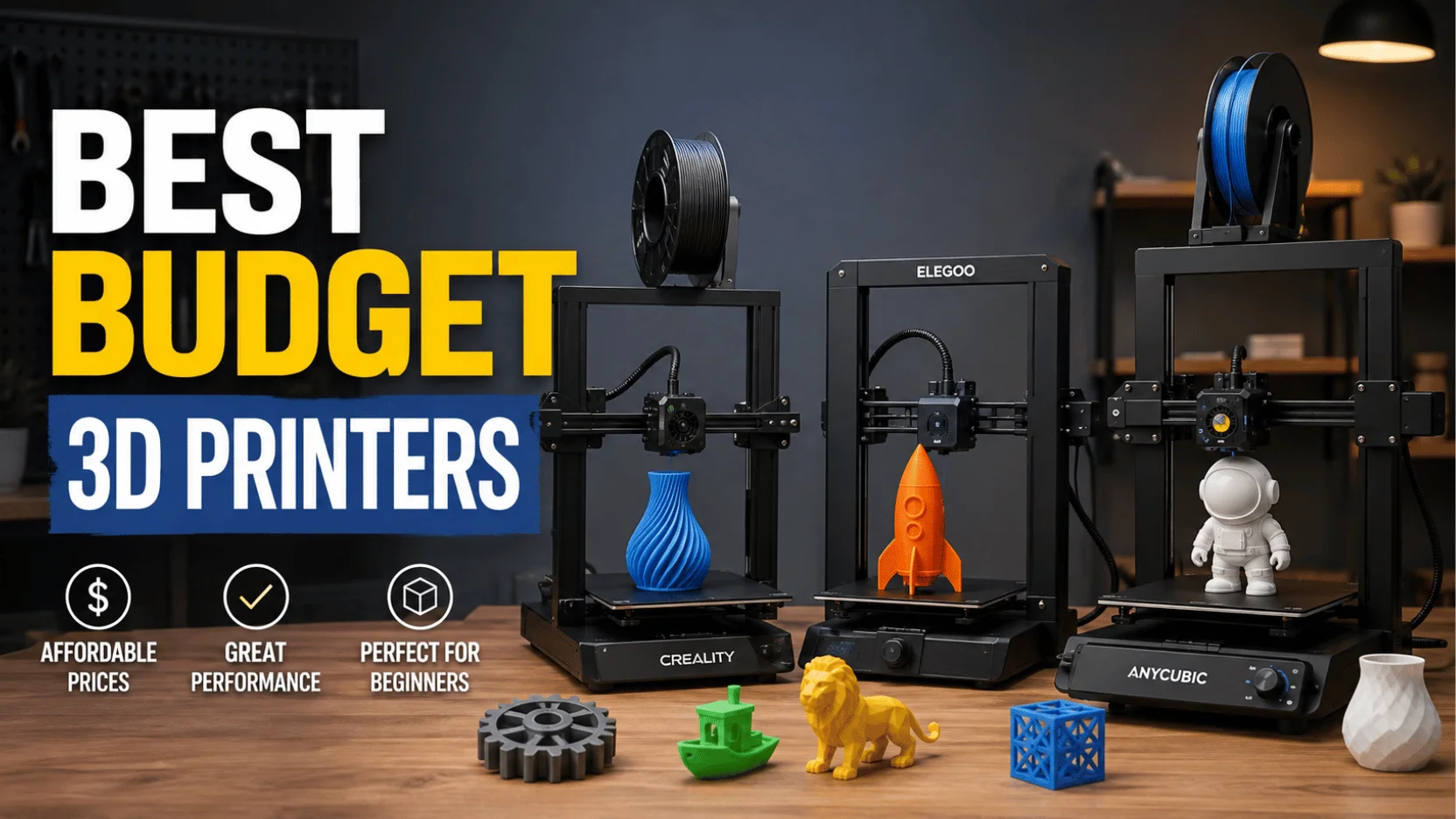
Cheap no longer means bad. A good 3D printer now costs less than a mid-range phone. The best budget 3d printers of 2026 ship almost fully built, level their own beds, and lay down a clean first layer without a week of fiddling. This guide ranks six machines against the street prices we checked in August 2026, and it covers the running costs that never appear on the box.
Key takeaways
- Street prices sit well below list price. The Ender 3 V3 SE lists at $219 and sells near $186.
- Under $350 buys auto bed leveling, a direct drive extruder, and speeds near 500 mm/s.
- Filament runs about $18 to $24 per spool, so the machine is roughly two-thirds of your first-year spend.
- Bigger is not better. Most hobby parts fit inside a 220 mm bed with room to spare.
- Resin looks cheap on the shelf and stops being cheap once you add gloves, a wash station, and airflow.
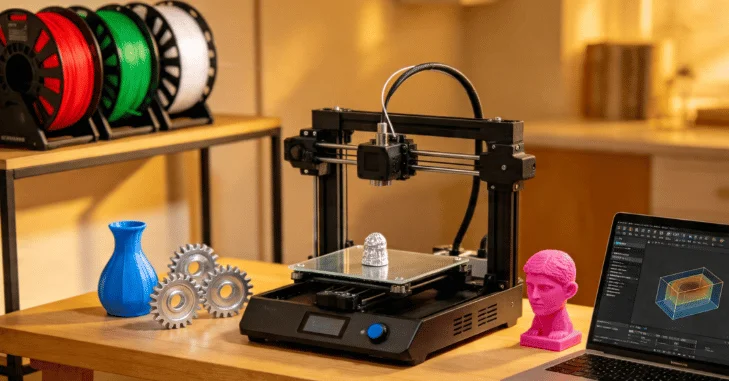
Best budget 3d printers briefly
| Model | Street price, Aug 2026 | Build volume | Rated top speed | Frame type | Best for |
| Bambu Lab A1 mini | $219 | 180 x 180 x 180 mm (7.1 in. cube) | 500 mm/s | Open bed slinger | Easiest first machine |
| Creality Ender 3 V3 SE | $186 | 220 x 220 x 250 mm (8.7 x 8.7 x 9.8 in) | 250 mm/s | Open bed slinger | Lowest entry price |
| Elegoo Neptune 4 | $209 | 225 x 225 x 265 mm (8.9 x 8.9 x 10.4 in) | 500 mm/s | Open bed slinger | Large bed, small outlay |
| Sovol SV06 Ace | $239 | 220 x 220 x 250 mm (8.7 x 8.7 x 9.8 in) | 600 mm/s | Open, Klipper firmware | Owners who like to modify |
| Anycubic Kobra 3 V2 | $279, or $399 with ACE Pro | 255 x 255 x 260 mm (10 x 10 x 10.2 in) | 600 mm/s | Open, multicolor option | Cheapest four-color setup |
| Elegoo Centauri Carbon | $309 | 256 x 256 x 256 mm (10.1 in cube) | 500 mm/s | Enclosed CoreXY | Tougher filaments |
The six picks, ranked
Ranked by how well each machine earns its price, not by brand.
1. Bambu Lab A1 mini, about $219
Nothing else at this price gets a beginner to a finished part faster. Setup takes minutes. This machine calibrates itself, holds its settings, and runs quietly enough for a shared room, which matters a lot if the printer has to live where you sleep. Its bed is a 180 mm cube, so phone stands, brackets, and most tabletop miniatures fit fine.
- Pros: near-silent, all-metal direct drive, quick-change nozzle, painless setup.
- Cons: the smallest bed here, and the AMS Lite color unit pushes the combo toward $349.
2. Elegoo Centauri Carbon, about $309
Buy this one if you want to print more than PLA. An enclosure holds heat in, which is exactly what ABS and ASA need if they are going to stop warping and splitting partway up a tall part. A CoreXY frame keeps the bed still. Tall prints stay square.
- Pros: fully enclosed, rigid CoreXY motion, no cloud account required, 256 mm cube bed.
- Cons: the chamber is not actively heated, interior lighting is dim, and cold plates need glue.
3. Creality Ender 3 V3 SE, about $186
The cheapest machine here that a first-timer can finish a print on. Assembly takes roughly fifteen minutes, CR Touch handles leveling, and the Sprite direct drive feeds flexible filament without jamming. There is no Wi-Fi, so files travel by card from whatever computer you slice on. If that computer is due for a refresh, our rundown covers what hobby software runs best.
- Pros: lowest price of the six, fast assembly, proven parts supply, huge community.
- Cons: 250 mm/s is slow next to the rest, no network printing, basic build surface.
4. Sovol SV06 Ace, about $239
Sovol ships vanilla Klipper rather than a locked-down fork. That matters if you like changing things. Dual Z motors and a direct drive extruder give this machine output that punches well above its price, which is why people who mod their hardware keep recommending it. A built-in camera lets you watch a long job from another room.
- Pros: open Klipper access, dual Z axis, onboard camera, strong dimensional accuracy.
- Cons: older Sovol parts do not carry over, and the setup rewards patience.
5. Anycubic Kobra 3 V2, about $279
Four-color printing usually starts near $600. Not here. This one pairs with the ACE Pro unit for $399 total, which is the cheapest honest route into multi-material work. A filament dryer sits inside the ACE Pro, so damp PETG stops being a weekly problem.
- Pros: big 255 mm bed, built-in drying, double-sided PEI sheet, sharp vibration compensation.
- Cons: loading filament is awkward, cable routing is untidy, and color changes waste material.
6. Elegoo Neptune 4, about $209
Call it the value pick. Klipper firmware and a 225 mm platform put this printer ahead of older machines at the same price. You get a large bed without paying for a frame upgrade you may never use. Expect to spend one evening dialing in your first profiles.
- Pros: generous bed for the money, Klipper speed, dependable dual-gear extruder.
- Cons: open frame, louder than the Bambu, multicolor needs a separate upgrade.
How much should you spend on a first 3D printer?
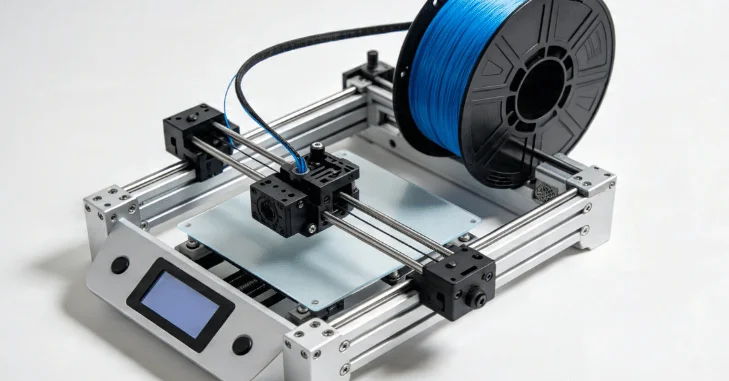
Somewhere between $180 and $320 is the sweet spot in 2026. Below $18,000, you give up auto-leveling and a decent extruder, and you pay that back in failed prints, wasted filament, and evenings you will not enjoy. Above $35,000, you are buying speed, an enclosure, and re- and multi-material features that a first project rarely needs.
Anything cheaper is a project, not a printer.
Watch the gap between list price and street price. Several models in the table have dropped by $30 or more since spring, and holiday sales in November tend to knock another chunk off. Buying a current model on discount beats buying a clearance model at full price. A discontinued printer stops getting firmware updates, and its spare parts dry up within a year or two. Check the price history before you order.
What else do you need before the first print?
Budget roughly $60 on top of the printer. That covers two spools of PLA, a spare build plate, a scraper, and a sealed box with desiccant so filament stays dry. Nozzles wear out too. A pack of spares costs under $15.
Software is free. Bambu Studio, OrcaSlicer, and PrusaSlicer all handle these machines, and any laptop from the last five years can slice a normal model. Drawing your own parts in CAD is the step that asks for real hardware, and our guide to picking What Are Hardware Agnostic Software Solutions? explains which specs matter there.
What a budget 3D printer costs to run
Filament is the recurring cost. PLA sells for $18 to $24 per spool, PETG for $20 to $26, and flexible TPU for $35 to $50. A spool weighs about 2.2 pounds, which is enough for roughly forty phone-sized parts. Power is close to trivial. A budget FDM machine draws a few cents of electricity per hour, so a ten-hour print costs less than a coffee. Add a failed print or two per month, and most hobbyists land near $25 a month in materials. That is roughly what one small part costs from an online printing service.
Noise, space, and where the printer lives
Clear a shelf about 20 inches wide and 24 inches deep, plus room behind for the filament spool. Bed slingers throw weight back and forth. A flimsy desk will hum along with them, and the sound carries through a wall far better than you would expect from a machine this small. Put it on a paving slab, and the resonance mostly disappears.
Noise comes from cooling fans, not from the motors. The A1 mini and the enclosed Centauri Carbon are the quietest of this group, while open Creality and Elegoo frames get whiny under load. The fixes are the same ones that quiet Top Networking Hardware Brands Compared: Cisco vs. Aruba vs. Ubiquiti: better bearings, softer mounts, and sensible fan curves.
FDM or resin on a small budget?
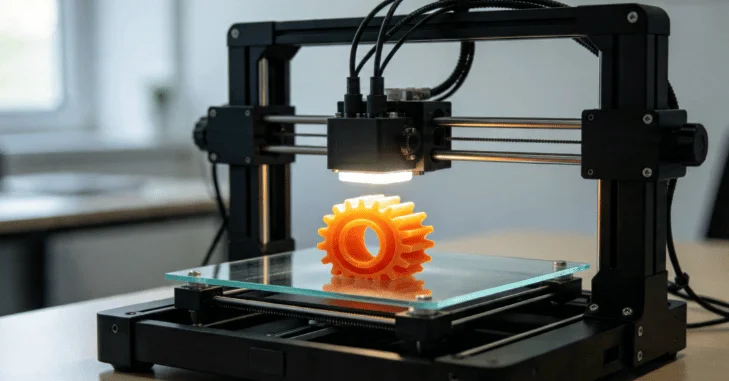
Resin printers such as the Elegoo Mars 5 Ultra look tempting at $269, and their detail on miniatures is genuinely better. The catch is everything around them. Resin wants gloves, isopropyl alcohol, a wash and cure station near $150, and a room you can ventilate properly, which pushes the true entry cost past $400.
Start with FDM. It prints functional parts, tolerates a spare bedroom, and cleans up with a scraper. Buy resin second, once you know you want fine detail badly enough to run a proper workflow around it.
The verdict
Among the best budget 3d printers available this year, the Bambu Lab A1 mini wins on sheer ease. It removes almost every reason a beginner quits, and $219 is a fair price for that. Choose the Elegoo Centauri Carbon at $309 if enclosed printing and tougher filaments matter more than a small footprint.
On a hard ceiling of $200, take the Creality Ender 3 V3 SE. It runs slower and noisier, yet it prints reliably, and parts for it are everywhere. None of these three is a compromise at its price. Ready to pick one? Match the build volume in the table to the largest thing you plan to make, then check the current street price before you order.
Please visit our Hardware category
Frequently asked questions
Yes, far better than they were three years ago. Auto bed leveling, direct drive extruders, and input shaping have all moved down into the sub-$300 tier. A $200 machine in 2026 prints more reliably than a $700 machine did in 2020.
Much less than their reputation suggests. The A1 mini and Centauri Carbon calibrate themselves and mostly stay calibrated. Cheaper open-frame models still want belt checks and the occasional nozzle swap, which takes minutes rather than evenings.
A 220 mm bed covers the vast majority of hobby projects. Larger parts are usually printed in sections and bonded, which is often stronger than one tall print. Buy bed size only if you already know what oversized thing you want to make.
The Bambu Lab A1 mini, by a clear margin. Its guided setup, self-calibration, raft, and matched slicer profiles remove most first-week failures. The Creality Ender 3 V3 SE is the runner-up if your ceiling is closer to $180.