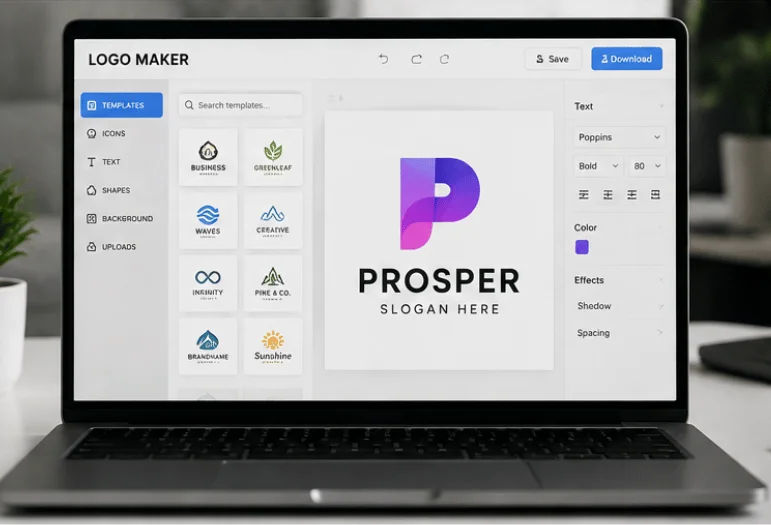
Every logo maker promises a finished brand in five minutes, and most of them can hand you something decent. The gap between them appears on the download screen, where the file you actually need often sits behind a payment. So we priced six popular tools in US dollars and checked what each one gives away for free. Elsewhere on the site: Peephole Camera Buying Guide for U.S. Homes.
Short answer: Namecheap has the best free package, because you get SVG and PNG files with no watermark and no charge. Looka’s $65 Premium package is the strongest one-time buy for a real business. Canva Pro at $18 a month wins if you want the mark, plus everything else you print.
Key takeaways
- Free tiers differ hugely. Some give you a real vector file; others give a small PNG you will outgrow in a week.
- A one-time payment of $20 to $65 covers most small businesses. Annual plans only pay off if you keep designing.
- SVG is the format that matters. Without it, printers and sign shops will ask you for artwork you do not have.
- Budget an hour, not five minutes. The generator part is quick; the picking and testing part is not.
- Our pick for most readers: Namecheap if the budget is zero and Looka Premium if you can spend once.
The six options at a glance
| Tool | Free tier | Paid list price (US) | Vector file | Best for |
|---|---|---|---|---|
| Namecheap | Full, no watermark | $0 | SVG, free | Zero budget |
| Looka | Preview only | $20 or $65 one-time | With the $65 tier | One clean purchase |
| Canva | Editor and PNG | Pro $18/month or $144/year | Pro only | Ongoing design work |
| Adobe Express | Editor and PNG | Premium $9.99/month | Premium only | Adobe font access |
| Turbologo | Preview only | $19.99 to $79.99 one time | With the $39.99 tier | Fast, no account sprawl |
| Wixel (Wix) | 120 AI credits | $90 to $590 per year | On paid plans | Sites already on Wix |
What each logo maker gives you for the money

Namecheap: free, and genuinely free
Namecheap publishes a flat promise on its tool page: your design is always free, no matter how many times you download it, and it never adds a watermark. You get SVG and PNG output. Its template library is smaller than Canva’s, and icon shapes repeat across categories, so two coffee shops in one city could land on similar marks. Check yours against local competitors before you commit.
Looka: the cleanest one-time purchase
Looka’s generator asks about your industry, then shows a wall of options you rate up or down. Basic costs $20 and gives one PNG, which is not enough for a business. The premium is $65 once, and it unlocks PNG, EPS, SVG, and PDF files with transparent backgrounds, plus unlimited edits later. There is also a Brand Kit plan for $96 a year that includes social templates and stationery, which most readers can skip.
Canva: strong if you already live there
Canva’s free editor is the friendliest of the six, and you can export a PNG without paying. SVG export is behind Canva Pro, which costs $18 per month or $144 per year, with a business tier at $25 per user per month. That is a lot for one mark. It earns the money only if you also make decks, ads, and packaging. Canva runs in a browser, so it asks little of your computer, though heavy print files still export faster on a workstation laptop built for design work.
Adobe Express: the cheapest subscription
Adobe Express has a real free tier and a Premium plan at $9.99 a month, which undercuts Canva Pro by a wide margin. Typography is the draw here. You get Adobe Fonts, and font choice is what separates an amateur wordmark from a professional one. That generator leans more on templates than on genuine invention, so expect to do more of the arranging yourself.
Turbologo: quick and priced per project
Turbologo sells three one-time packages: Lite at $19.99, Standard at $39.99, and Business at $79.99. Lite is a single low-resolution PNG on a solid background, which is close to useless. The standard one is the one to buy, since it adds SVG, PDF, transparent backgrounds, unlimited changes, and full commercial rights. Its editor is plainer than Canva’s, and some people prefer that.
Wixel: only if your site is already on Wix
Wix moved its logo tool under Wixel, which runs on a credit system. Free accounts get 120 AI credits per month, and paid plans start at $90 per year and go up to $590. Credits burn fast during editing. For a shop already paying for Wix hosting, the integration saves real time. For anyone else, the annual cost buys a lot of one-time packages elsewhere.
Free versus paid: where the cost actually lands
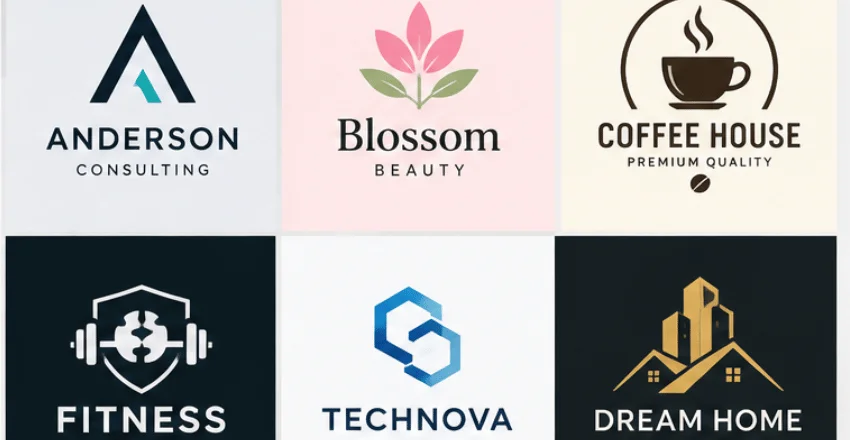
The published price is rarely the number you pay. Free tiers cap the vector file size, so you download a PNG, get halfway through a print order, and pay anyway. That is the standard pattern across this category, and it is worth planning for.
Watch the renewal, too. A $65 charge from Looka is finished. A $144 Canva plan renews, and a $290 Wixel plan renews more aggressively. Add up the first two years before you decide, because a subscription that outlives its usefulness is the most common waste in this whole category. Prices here are list prices and exclude local sales charges.
The file formats that matter
Every tool here runs in a browser, so your PC’s operating system does not narrow the field the way it does with installed design suites. What narrows the field is what lands in your downloads folder. Four formats cover almost everything you will be asked for.
- SVG: scales to any size without blurring. Sign shops and web developers ask for this first.
- PNG with a transparent background: for websites, social profiles, and slides.
- PDF or EPS: what commercial printers prefer for business cards and packaging.
- A one-color version: black on white, for stamps and paper invoices.
Rights matter as much as formats. Namecheap and Turbologo state commercial use plainly, and Looka grants full ownership with its Premium package. Read the license text on the checkout page before you pay, and save a copy with your files. Also worth reading: Text Editor.
A five-minute test before you download
Almost nobody does this, which is why so many small-business marks look weak in the wild. Shrink your design to 16 pixels wide, the size of a browser tab icon. If the shape turns to mush, simplify it now rather than after the signage order.
Then run three more checks. Print it in black and white to see whether it survives without color. Drop it on a dark background to confirm the light version still reads. Open it on a second screen too, since a 10th generation iPad shows you the mark at reading distance instead of at 400% zoom.
When to skip these tools and hire a designer
Two situations call for a person. One is a name that needs a custom letterform, because generators build from stock icons and licensed typefaces. The other is a crowded market where you plan to file for protection, since a template shape shared with thousands of other users is a weak position to defend.
Everyone else is fine here. A food truck, a lawn care crew, a side project, and a podcast: all of these are served well by a $65 package and an hour of care.
The verdict
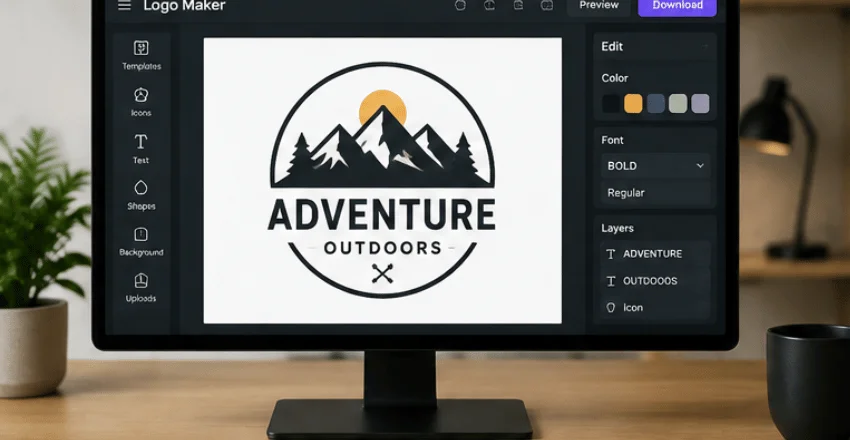
Our pick for most people is Namecheap, because the free output includes an SVG with no watermark and no upsell at the download screen. If you want more variety and a wider template pool, Looka’s $65 Premium package is the best value one-time buy. Its file set covers print and web without a second purchase.
Canva Pro is the right answer only when the mark is one job among many. Adobe Express suits font-led wordmarks on a small monthly budget. Turbologo Standard is a fine alternative to Looka at $39.99. Wixel makes sense inside the Wix ecosystem and nowhere else.
Your next step
Open two tools, not six. Give yourself twenty minutes in Namecheap and twenty in Looka, save three candidates from each, and then run the 16-pixel test on all six before you spend a dollar. Whichever survives that test at the smallest size is the one to buy.
FAQ
Yes. Namecheap gives you SVG and PNG files at no cost and adds no watermark. Canva and Adobe Express also let you export a free PNG, but both keep vector export on their paid plans.
Between $0 and $65 for a template-based mark. A freelance designer typically starts around $300, and a studio with brand guidelines runs into the thousands.
You get options in about two minutes. Picking one and testing it at small sizes takes closer to an hour, which is time well spent.
Usually yes, though the terms vary by tool and by tier. Looka Premium, Turbologo Standard, and Namecheap all grant commercial use. Confirm it on the checkout page and keep the license file.
With Canva, Adobe Express, Looka, and Turbologo, yes. Namecheap is the exception and includes SVG for free.